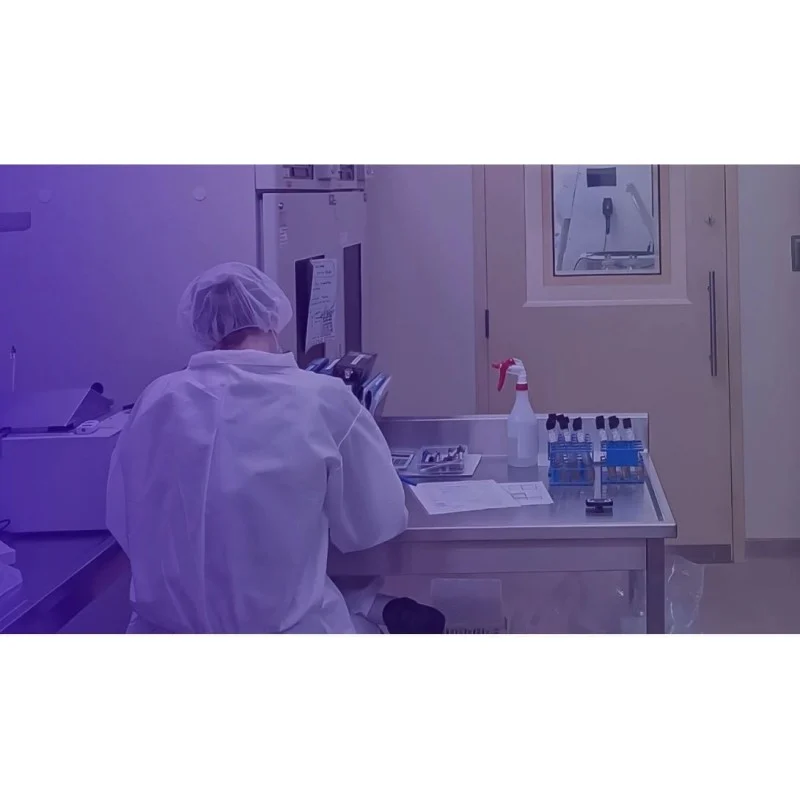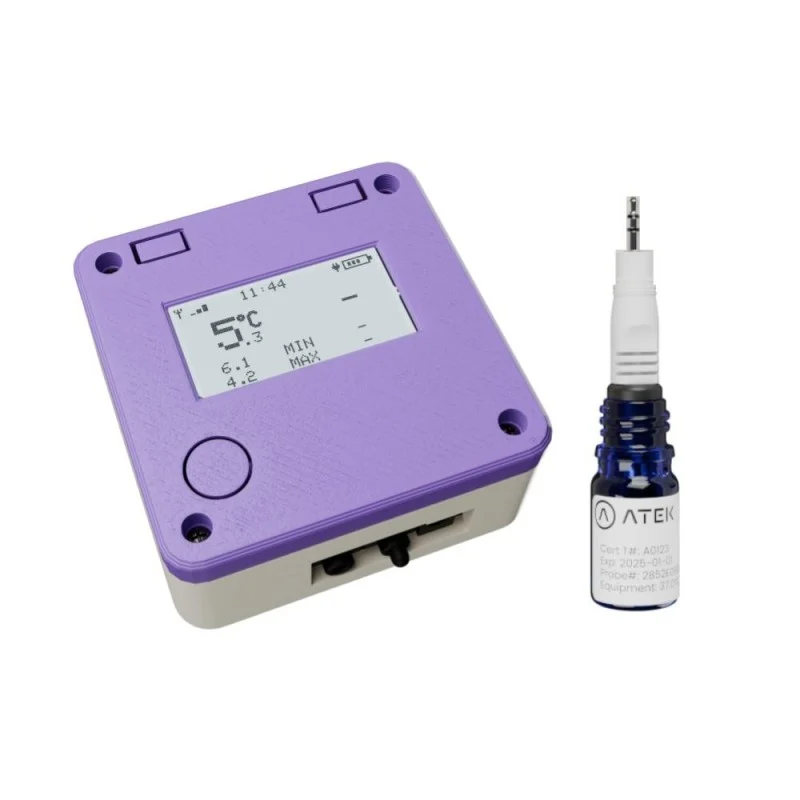
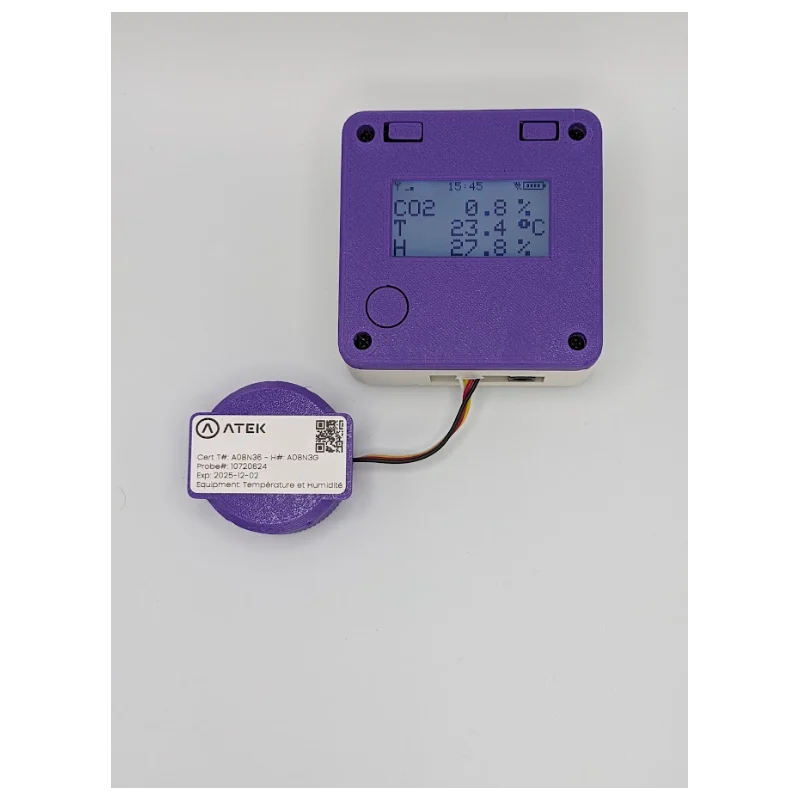
A monitor described around temperature, humidity, and CO2
The ATEK WiFi Temperature, Humidity & CO2 Monitor is listed for CO2 incubator monitoring, cell culture environments, and biological research applications. Its catalog description names temperature, relative humidity, and CO2 measurement ranges, along with Wi-Fi connectivity and streaming to the ATEK platform. This reference guide keeps those documented fields separate from questions that the short description does not answer.
Teams in Canada and the United States can use the ATEK product page as a starting point for comparing the monitor with their own measurement requirements. The named applications explain the product’s stated focus. They do not establish that it matches every incubator model or every research arrangement. Keep the question about your particular equipment separate from the catalog’s application description.
Record each range with its measured quantity
The temperature range is −20 to +60 °C. The relative humidity range is 0 to 100% RH. The CO2 range is 0 to 20% CO2. When transferring the specifications into a comparison, keep the measured quantity and unit beside each range. A percentage associated with relative humidity should not be copied into the CO2 field, and neither percentage should be treated as a temperature specification.
The catalog supplies ranges. It does not supply accuracy, resolution, or response-time figures in this description. If those parameters are part of your selection criteria, ask ATEK for the documented values and the conditions attached to them. Avoid treating the upper or lower endpoint of a range as an answer to an accuracy question. The same distinction applies when someone asks for a resolution or response-time figure.
Decision rule: Begin with the quantities and ranges explicitly named in the catalog. Then identify the additional measurement fields in your own requirements. Ask for documentation of those fields before marking the comparison complete; leave an unanswered field as a question rather than filling it with an estimate.
Keep the incubator question tied to your equipment
CO2 incubator monitoring is an expressly named application. That makes the product relevant to a discussion about monitoring an incubator, but the short description does not describe a probe arrangement or provide a placement procedure. Ask ATEK how the monitor is intended to be used with the equipment you have in mind. Request the applicable product documentation rather than inferring the sensing arrangement from the product name.
Cell culture environments and biological research applications are also named. Use those terms when describing the catalog’s intended applications, without adding claims about experimental results or biological outcomes. If you are comparing devices for a research setup, state the quantities you need to record and the equipment involved. Those details form a question for the supplier; they are not facts about this monitor unless the supplier documents them.
Review the connectivity entry without adding behavior
The catalog lists Wi-Fi WPA2-Enterprise connectivity and says readings stream to the ATEK platform in real time. Keep the named network option and the streaming description in your comparison. Ask which configuration is supported for your intended network and what the device setup requires. The brief entry does not provide a complete configuration procedure.
Real-time streaming is the stated communication description. It does not answer questions about a reporting interval, local storage, operation during a network interruption, or recovery of missed transmissions. If one of those matters to your intended use, ask ATEK about it directly. Do not infer those behaviors from the word Wi-Fi or from the streaming statement.
Turn the catalog into a precise supplier discussion
A useful inquiry names this monitor, the quantities you want to measure, the stated ranges you are comparing, and any additional specifications you require. Separate a confirmed catalog field from a request for further information. This keeps the discussion specific without presenting an undocumented capability as a product feature.
Consult the device page for the listed product details and the ATEK shop for other offered devices. Confirm any outstanding measurement or equipment questions with ATEK before completing your selection.
Product source
Product facts were checked against the current ATEK catalog entry on 2026-10-07. Confirm current suitability and availability on the device page and ATEK shop. Catalog information supports the listed product facts; it does not establish regulatory compliance or suitability for a specific installation.