
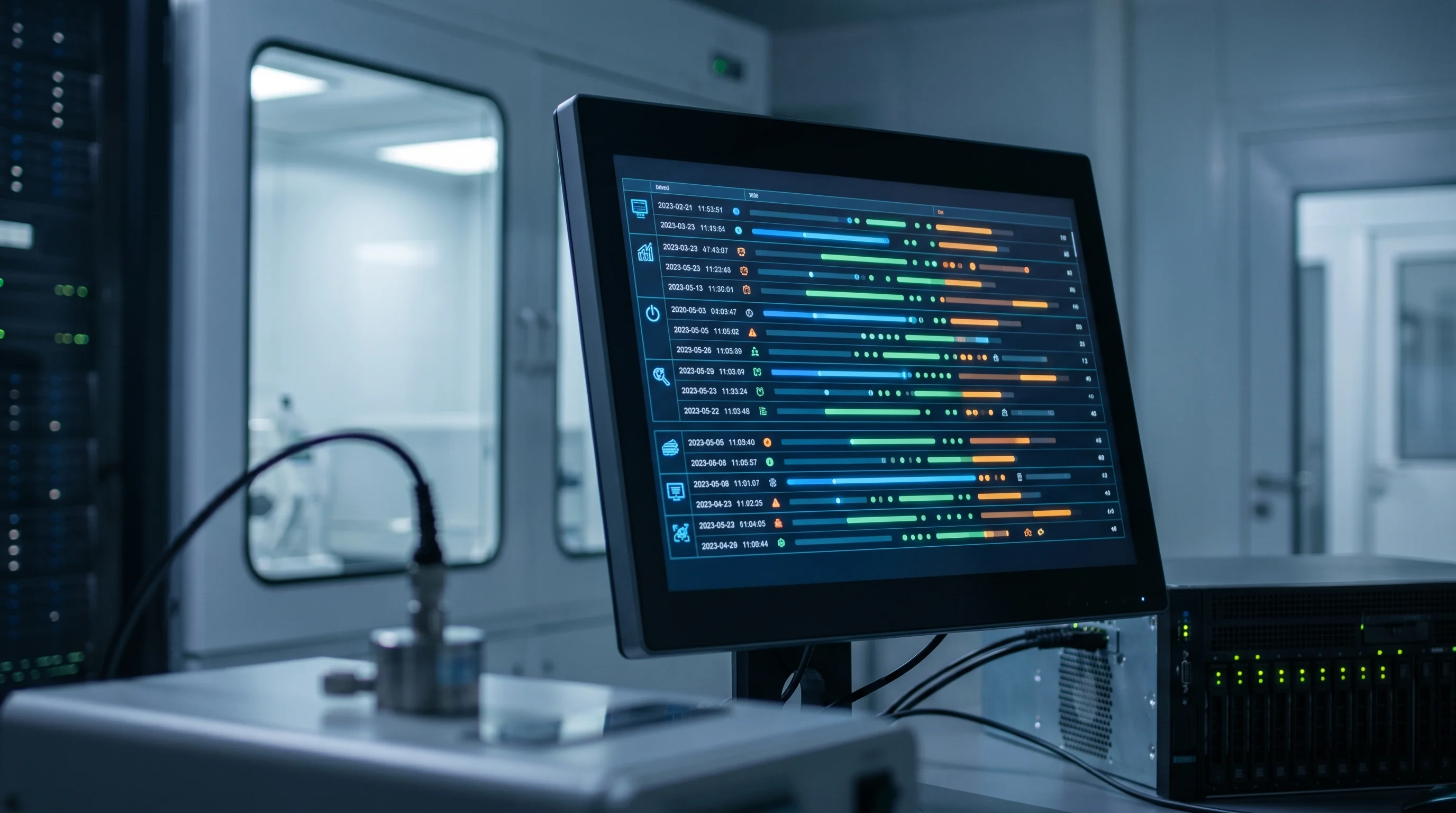
An audit trail is not a checkbox beside “compliance.” It is the part of an environmental monitoring record that lets someone reconstruct what happened without relying on memory.
That distinction matters in regulated life-science environments. A freezer excursion, cleanroom pressure deviation, incubator alarm, vaccine refrigerator event, or humidity drift does not become defensible because a graph exists. It becomes defensible when the organization can show the original readings, the system configuration that produced them, the people who saw the event, the actions they took, and any later changes to the record.
This is the practical job of the audit trail: prove that the monitoring data stayed controlled from signal capture to quality decision.
Regulatory note: this article is a practical implementation guide, not legal advice. Use your approved SOPs, product specifications, validation package, and applicable GMP, pharmacy, laboratory, or quality-system requirements. The regulatory references at the end are included so the design logic is traceable.
The Core Test: Can You Reconstruct the Decision?
The strongest question to ask is not “does the system have an audit trail?”
The stronger question is:
Could a qualified reviewer reconstruct the event six months later, using the record alone?
For environmental monitoring, that reconstruction usually has to answer five questions:
- What did the monitored environment actually do?
- What system settings were active when the data was generated?
- Who was notified, who acknowledged, and who acted?
- Did anyone change the record, configuration, sensor mapping, or access rights?
- Was the final report or disposition based on the original controlled data?
If the answer depends on interviewing the night-shift technician, searching email, or trusting that a PDF export “must have come from the system,” the audit trail is not carrying enough weight.
What Belongs in the Audit Trail
An environmental monitoring audit trail should not be limited to someone editing a data point. In practice, the record can be affected by several kinds of changes.
At minimum, define audit-trail coverage for these areas.
| Area | What to capture | Why it matters |
|---|---|---|
| Environmental readings | sensor ID, channel, location, parameter, value, unit, timestamp, time zone, data gap, recovery status | proves the signal came from the right source at the right time |
| Alarm configuration | threshold, delay, escalation path, notification recipients, active schedule | proves the event was judged against the correct rule |
| Alarm response | notification sent, acknowledgement, responder, corrective note, escalation, closeout | proves the organization saw and handled the event |
| Manual changes | old value, new value, user, role, reason, date, time | proves later edits did not obscure the original record |
| Sensor and asset mapping | probe assignment, asset name, room, equipment, calibration status, replacement date | proves the data belongs to the asset being reviewed |
| System configuration | sampling interval, time zone, reporting settings, retention policy, integration settings | proves the data was generated under known conditions |
| User access | user creation, role change, privilege escalation, deactivation, failed login pattern | proves only authorized people could affect records |
| Export and reports | report generated, date range, filters, user, file type, signature or approval status if used | proves the inspection package matches controlled source data |
Decision rule: if a change can affect a regulated environmental record, the interpretation of that record, the routing of an alarm, or the ability to retrieve the record later, it belongs in the audit trail.
Four Records That Often Get Separated by Mistake
A common weakness is treating “the temperature data” as the whole record. It is not.
For a regulated monitoring event, the controlled record usually has four connected layers.
1. The Signal Record
This is the raw environmental history: readings, timestamps, units, device identity, probe location, connectivity state, and calibration status.
Weak record: “Freezer was above limit overnight.”
Stronger record: “ULT-03 probe P-8842 crossed the approved upper alarm threshold at 02:14 Eastern, reached -63.2 C at 03:01, returned below threshold at 03:42, and had no missing readings during the event. The probe was assigned to ULT-03 before the event and had an active calibration status.”
The stronger version is not better because it is longer. It is better because it separates the physical event from the assumptions around it.
2. The Configuration Record
This is the rule set active when the signal was interpreted: alarm limit, delay, sampling interval, sensor assignment, notification contacts, escalation logic, user permissions, and time zone.
This record matters because configuration can change the meaning of the same data. A 15-minute alarm delay and a 60-minute alarm delay create different response expectations. A probe assigned to “Lab Fridge 1” yesterday and “Receiving Fridge” today can create a traceability problem if the mapping history is not preserved.
Risky example: a threshold is tightened after an excursion, but the audit package only shows the current threshold.
Correct principle: the reviewer needs the threshold that was active during the event, plus the old value, new value, user, reason, and timestamp for any later change.
3. The Response Record
This is the human chain: notification, acknowledgement, escalation, corrective action, notes, quarantine decision, and follow-up.
For environmental monitoring, this layer is where many findings begin. The data may be intact, but the response may be ambiguous. Who was accountable after hours? Was the alarm acknowledged by the right role or only by whoever saw the phone? Did the acknowledgement mean “I saw the alert” or “I verified the freezer and moved product”?
Audit trails should help distinguish those states. Acknowledgement, corrective action, and quality disposition are different events.
4. The Review Record
This is evidence that the audit trail was not merely stored. It was reviewed according to a procedure.
Health Canada GUI-0050, which adopts PIC/S Annex 11 for computerized systems used in GMP activities, expects audit trails to be available in an intelligible form and regularly reviewed. That does not mean every organization reviews every row of every system log every day. It means the review method, frequency, scope, reviewer, and follow-up should be defined and risk-based.
Good review records show:
- who reviewed the audit trail
- what system, asset, or event was reviewed
- what date range was covered
- what filters or exceptions were checked
- what anomalies were found
- what action was taken
- what was escalated to QA, pharmacy, laboratory management, or the system owner
What Inspectors and QA Reviewers Usually Test
During an audit, the trail is rarely reviewed as an abstract feature. Reviewers tend to test it through a concrete record.
They may ask for an excursion, a report, a batch-supporting environmental record, a calibration-linked asset, or a user-permission change. Then they work backward.
Useful reviewer questions:
- Can you show the original readings, not only the final report?
- Can you show whether any readings were changed, deleted, excluded, or corrected?
- Can you show who acknowledged the alarm and when?
- Can you show the alarm threshold and delay that were active at the time?
- Can you show whether anyone changed the threshold before or after the event?
- Can you show that the user had the correct role for the action taken?
- Can you show the reason for a manual correction or configuration change?
- Can you export the trail in a readable, searchable form?
- Can you show that the audit trail itself cannot be edited by ordinary users?
- Can you show that audit trail review is part of an approved procedure?
If the system cannot answer those questions quickly, the problem is not only retrieval speed. It may be a data-integrity design gap.
Failure Modes That Look Fine in a Demo
Audit-trail weaknesses often hide behind a polished dashboard. These are the ones to look for before an inspection or customer audit exposes them.
Shared Accounts
If multiple people use the same login, the audit trail cannot prove who acted. It only proves that someone with access used the account.
Shared accounts are especially damaging for alarm acknowledgement, manual correction, threshold changes, report approval, and administrative actions. The practical fix is individual user accounts, role-based permissions, and a process for disabling accounts when responsibility changes.
Current-State Reporting
Some systems can show the current threshold, current sensor assignment, or current contact list, but not the historical value active during an event.
That is not enough. Environmental monitoring investigations depend on the rule set that existed at the time. If a refrigerator limit changed on Tuesday, a Monday excursion must be reviewed against Monday’s approved configuration.
Audit Trail That Is Stored but Not Usable
An audit trail buried in a database table or vendor-only export may technically exist, but still fail operationally. Reviewers need a generally intelligible form: searchable, sortable, exportable, and connected to the record under review.
If QA needs IT or the vendor to decode every audit-trail question, routine review becomes unlikely.
Time-Zone Drift
Time-zone ambiguity can break an otherwise good record. This is common when a cloud platform, local gateway, device firmware, PDF report, and human notes do not show time consistently.
The audit trail should preserve enough time context to reconstruct sequence. For multi-site or cross-border operations, include the time zone in reports and exports, not only in the database.
Silent Administrative Power
An administrator who can disable the audit trail, edit trail entries, alter system time, or change retention settings without creating a record defeats the purpose of the trail.
The administrative layer needs its own traceability. High-risk administrative actions should be restricted, reviewed, and visible.
Alarm Acknowledgement Without Action
An acknowledgement is not the same as a corrective action. If the record only says “acknowledged,” it may not prove that anyone checked the equipment, moved inventory, notified QA, or opened an investigation.
Better systems separate:
- alert delivered
- alert acknowledged
- corrective action documented
- event closed
- quality review completed
Those events may be performed by different people at different times.
A Practical Audit-Trail Review Model
Do not design review around “look at everything.” That produces either superficial review or no review.
Use a risk-based model with clear triggers.
Event-Based Review
Review the audit trail whenever a monitored condition could affect product, sample, patient, study, or process integrity.
Examples:
- temperature or humidity excursion
- cleanroom pressure deviation
- missed alarm escalation
- manual data correction
- sensor replacement
- threshold change
- report used for quality disposition
- unexplained data gap
The review should focus on whether the record supports the decision being made.
Configuration Review
Review changes to settings that change how records are created or interpreted.
Examples:
- alarm limits and delays
- sampling intervals
- notification recipients
- escalation rules
- sensor-to-asset assignments
- user roles
- time-zone settings
- report templates
This review prevents a subtle problem: the platform continues working, but the control model no longer matches the approved SOP.
Periodic Exception Review
Use routine review to catch patterns that individual events may miss.
Examples:
- repeated failed logins
- frequent near-limit alarms
- repeated manual corrections by the same user
- threshold changes clustered before reporting periods
- disabled notifications
- stale users with elevated permissions
- assets with recurring data gaps
The review frequency should follow risk. A critical GMP storage room and a non-critical ambient office sensor do not need the same review burden.
How to Write the SOP So the Trail Gets Used
The SOP should not simply say “audit trails are reviewed regularly.” That sentence is too vague to control behavior.
A useful SOP defines:
- which systems and records are in scope
- which audit-trail fields are considered critical
- who performs routine review
- who performs independent or QA review when needed
- which events trigger mandatory review
- how review is documented
- how anomalies are escalated
- how long audit-trail records and exports are retained
- how administrators are controlled
- how access is removed when staff leave or change roles
The SOP should also define what a reviewer does not need to review. Otherwise the process becomes too large and people stop doing it seriously.
Good control is specific enough to be performed on a busy Thursday afternoon.
What ATEK Optimizes For
ATEK’s environmental monitoring work sits in the space between sensor data and defensible operational decisions. For audit trails, that means designing around the evidence chain, not only the chart.
The useful record links:
- the monitored asset
- the sensor and probe
- the timestamped readings
- the alarm rule
- the notification path
- the acknowledgement
- the corrective note
- the configuration history
- the user who acted
- the report or export used later
That is the difference between a monitoring system that merely collects data and a monitoring program that can support QA, pharmacy, laboratory, and compliance review.
For related implementation context, see ATEK’s pages on FDA 21 CFR Part 11, Health Canada GUI-0050 / Annex 11, cloud reporting, and validation services. For the event-investigation side of the same record chain, see the environmental excursion investigation checklist.
Need to pressure-test whether your monitoring records can survive an audit? Talk to ATEK.
Official References Used
- Health Canada GUI-0001: Good manufacturing practices guide for drug products
- Health Canada GUI-0050: Annex 11 to the good manufacturing practices guide: Computerized Systems
- eCFR 21 CFR 11.10: Controls for closed systems
- FDA guidance: Part 11, Electronic Records; Electronic Signatures - Scope and Application


