Calibration without certificate allows the ATEK platform to compare the readings of a sensor to a value of a reference instrument.
Path to follow
Prerequisites : have the “Full Admin” role.
In the menu, Qualifications –> Calibration.
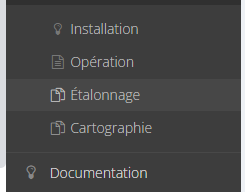
Click on Calibration without certificate.

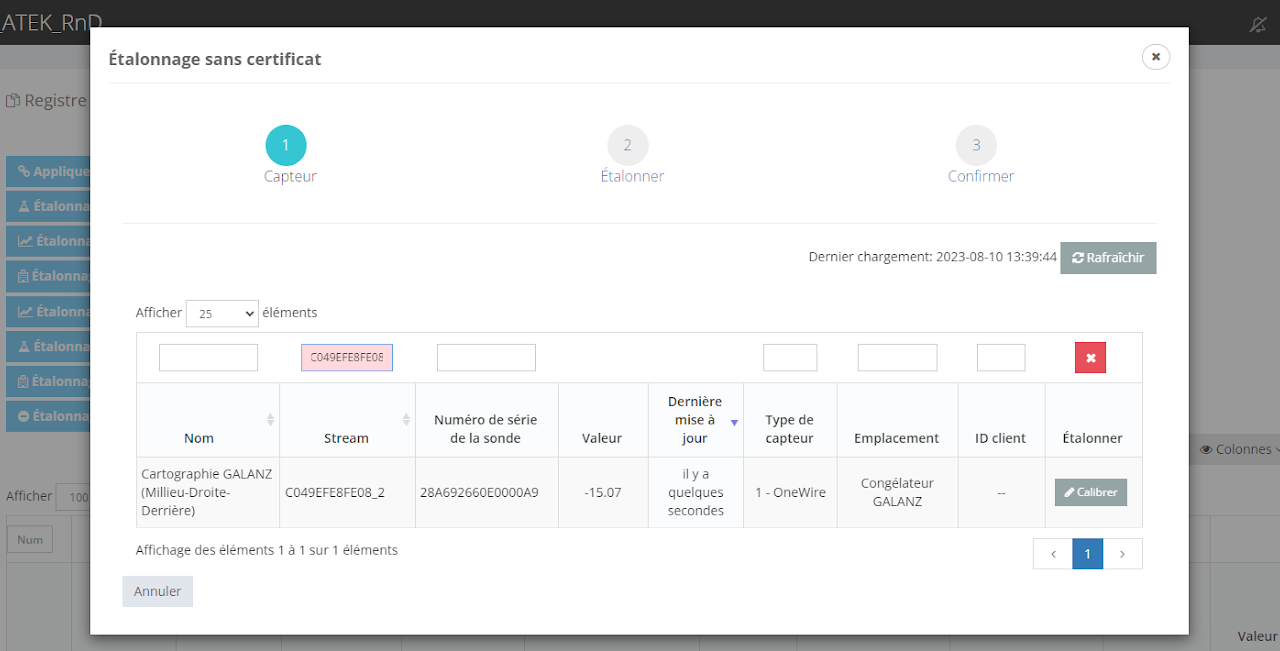
Filter to find the sensor of interest.
Click the Calibrate button.
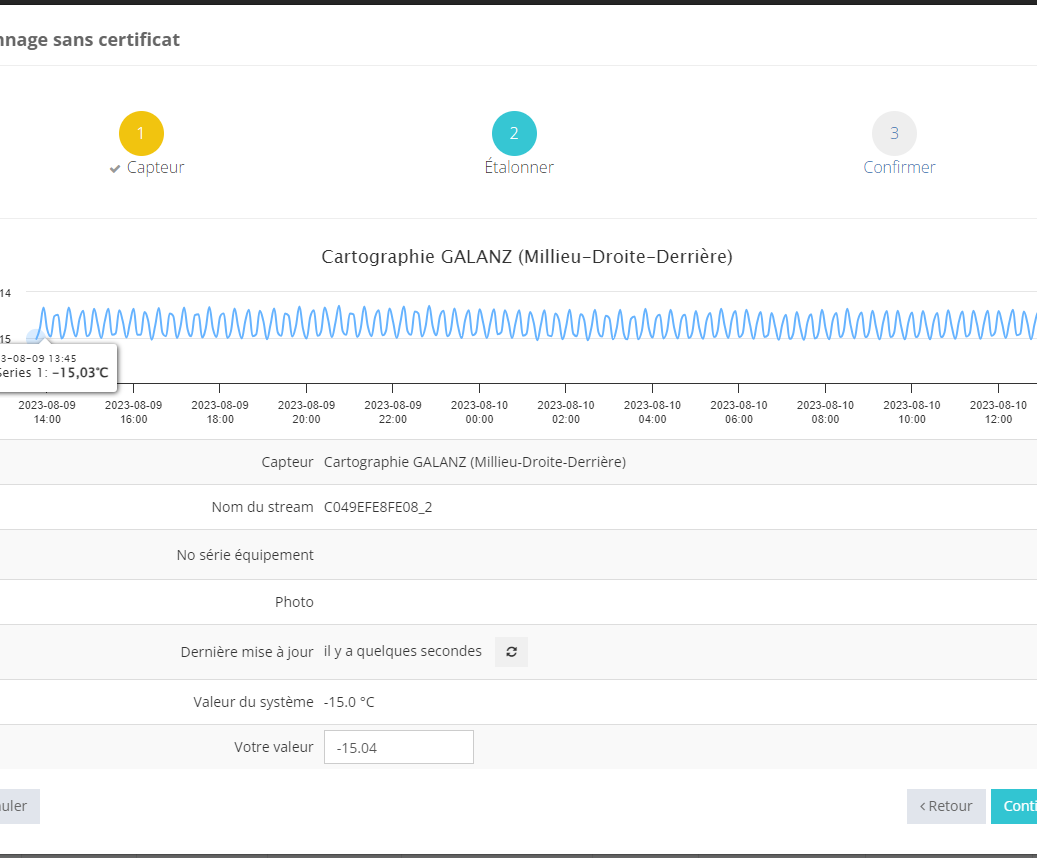
Make sure the graph has reached stability.
Validate if the information corresponds to the device you wish to adjust.
Enter the value of your reference instrument in the “Your value” field.
Click continue
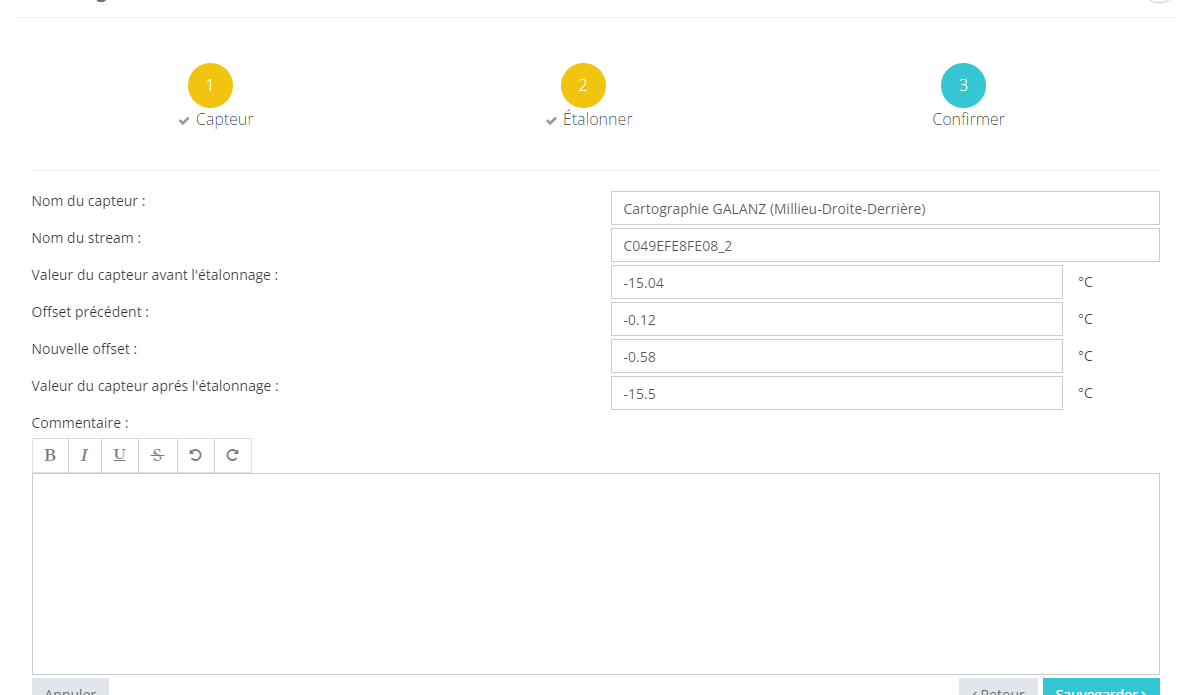
Validate the information on the confirmation page before saving.
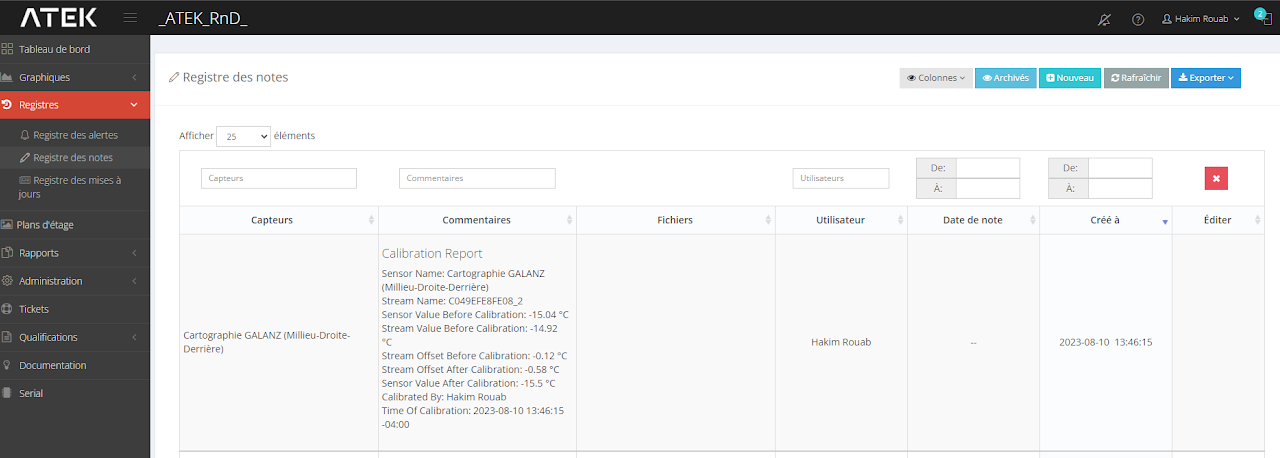
A note will appear in the “Notes Log” indicating the details of the calibration performed.
Imported from Google Sites.