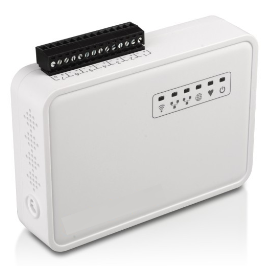
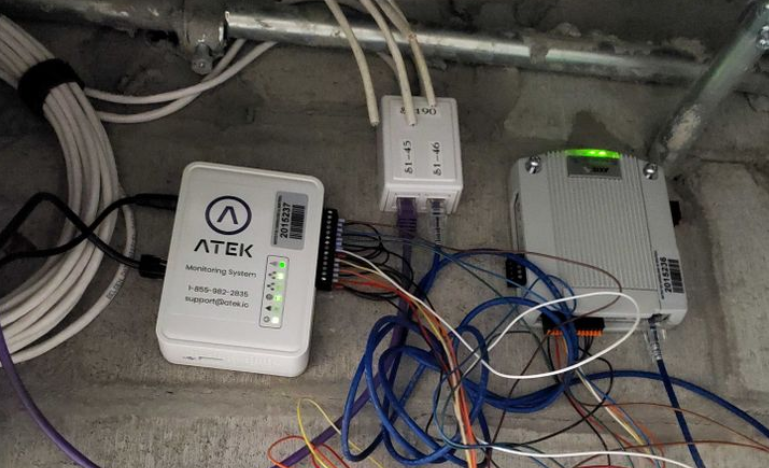
ATEK relay outputs allow ATEK alarms to be physically interfaced with external systems including:
-
Security alarm center
-
Building Automation System (BAS)
-
Rotating beacon and siren
-
Other computer system
The 7 relay outputs operate in “ Normally Open “ mode
The relays are
-
activated ( closed circuit) when
- no alert is in progress
-
deactivated ( open circuit ) when:
-
Alert from the ATEK platform
-
Electrical loss of the gateway
-
Loss of connection from the gateway to the ATEK platform
Alert configuration _
-
Have the gateway’s MAC address and output number on hand ;
-
In the ATEK platform
-
Menu -> Administration -> Notification protocol -> Edit or New
-
Add a recipient and choose the “Web Hook” option
-
Enter this URL (replace the fields)
-
https://api.atek.io/deviceios/ms14n/ MAC_ADDRESS / OUTPUT_NUMBER ?dir = 1&value=0
-
Replace the MAC address with your MAC address and the output number with the output number: 1, 2, 3, 4, 5, 6, or 7
-
Select the “POST” method
-
-
Example
-
A gateway MAC address: A840411D2BEB
-
Output number: 4
-
URL: https://api.atek.io/deviceios/ms14n/ A840411D2BEB / 4 ?dir=1&value=0